
How to Create a Nutrition Facts Label in 10 Easy Steps
To create a Nutrition Facts label in 10 easy steps, start by gathering your ingredient details and accurately measure serving sizes based on FDA guidelines.
Calculate the number of servings per container and analyze nutrients using trusted databases or software.
Make certain you include all mandatory nutrients and comply with FDA formatting rules.
Double-check for accuracy, then customize your label’s look before generating a high-resolution file for printing or submission.
Keep exploring to master the complete labeling process and stay compliant.
Gather Your Ingredient and Recipe Details
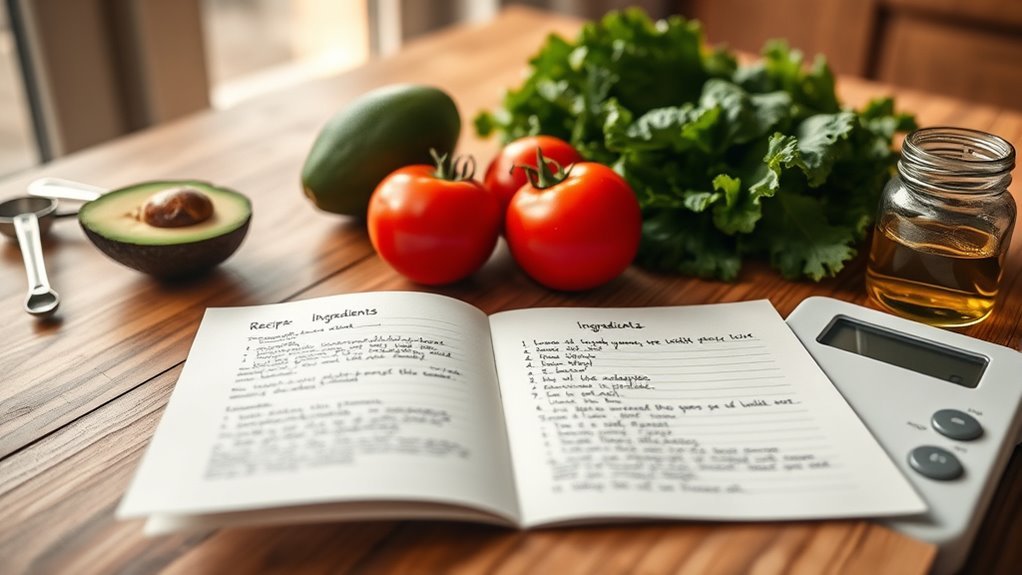
Before you can create an accurate nutrition facts label, you need to gather precise details about your ingredients and recipe. Start by collecting exact ingredient measurements, including weights for each component and any sub-recipes.
Make certain you specify details like whether ingredients are salted, unsalted, or processed, as this affects nutritional information. Weigh ingredients both before and after cooking to account for moisture changes, which is essential for accurate recipe analysis.
Specify ingredient details and weigh before and after cooking for precise nutrition analysis.
Use reliable sources like the USDA ingredient database or supplier spec sheets to find nutritional information for each item. Record your serving size carefully, referring to FDA’s Reference Amounts Customarily Consumed (RACCs) to guide you.
This preparation guarantees your nutrition facts label reflects the true content of your product. By methodically gathering ingredient measurements and data, you set a solid foundation for accurate recipe analysis and labeling.
Determine the Correct Serving Size for Your Product
You’ll want to base your serving size on the FDA’s Reference Amounts Customarily Consumed for your specific food category. It’s important to use both household measures and metric units so the portions you describe really match how people eat your product.
Also, make sure your serving size follows regulatory guidelines while still reflecting actual consumption habits. That way, you get an accurate and practical serving size that works for everyone.
Understanding Serving Size Basics
When determining the correct serving size for your product, you need to base it on the FDA’s Reference Amounts Customarily Consumed (RACCs) for your specific food category. This guarantees your nutritional information reflects typical consumption.
Serving size is shown in household measurements and metric units on your packaging, helping consumers understand portions easily. For example, snacks often use ounces, while beverages use fluid ounces or cups.
The number of servings per container is calculated by dividing the net weight or volume by the serving size, following FDA rounding rules.
| Food Category | Serving Size Example | Units Used |
|---|---|---|
| Snack Foods | 1 | ounce (oz) |
| Beverages | 8 | fluid ounces (fl oz) |
| Cereal | 0.75 | cup |
| Dairy | 1 | cup (240 ml) |
Measuring Accurate Portion Sizes
Accurately measuring portion sizes starts with using the FDA’s Reference Amounts Customarily Consumed (RACCs) as your guide. To determine the correct serving size, you’ll first identify your food category’s RACC. This guarantees your portion measurement aligns with typical consumer habits.
Use household measures like cups, tablespoons, or pieces to estimate portions, then convert these to grams or milliliters for accuracy. This step helps maintain consistency and precision when labeling.
After determining the serving size, divide your product’s total weight by that serving size to calculate the number of servings per container. Always round these numbers according to FDA guidelines to stay compliant.
Aligning Serving Size Regulations
After measuring portion sizes based on the FDA’s Reference Amounts Customarily Consumed (RACCs), the next step is to align your serving size with regulatory requirements. Your serving size must reflect typical consumption and comply with FDA regulations.
Display it in household and metric units on your packaging for clear nutritional labeling. For multi-serving products, calculate the servings per container by dividing net weight by serving size, rounding per FDA guidelines.
| Food Category | Serving Size (Household) | Serving Size (Metric) |
|---|---|---|
| Cereal | 1 cup | 30 g |
| Ice Cream | ½ cup | 66 g |
| Cookies | 2 pieces | 30 g |
| Soda | 1 cup | 240 mL |
| Bread | 1 slice | 28 g |
Calculate Servings Per Container for Your Nutrition Label
Because the servings per container directly impact how consumers interpret your product’s nutritional content, you’ll need to calculate this number carefully. Start by dividing the net weight of your product by the serving size you’ve determined, making sure the serving size aligns with FDA guidelines and Reference Amounts Customarily Consumed (RACCs). This guarantees your portion sizes are accurate and consistent.
After dividing, round the result to the nearest whole number as recommended by FDA guidelines. For products with multiple servings, clearly state the number of servings per container on your label to help consumers understand their intake.
Keep in mind to use precise measurements for net weight, factoring in any water loss during cooking if applicable. Accurate servings per container not only comply with regulations but also provide transparent nutritional information, helping consumers make informed choices about portion sizes and their dietary needs.
Analyze Nutrient Content Using Nutrition Software
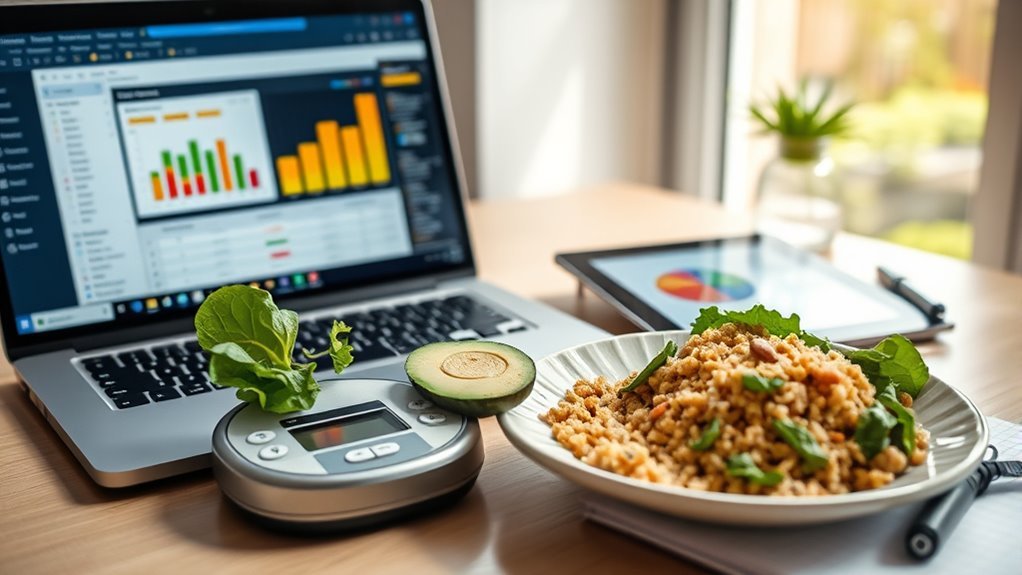
While calculating nutrient content by hand can be time-consuming and prone to errors, nutrition software lets you quickly analyze your recipe’s nutritional profile with ease. You simply input ingredient quantities and serving sizes, and the software uses USDA databases along with proprietary ingredient data to perform accurate nutrition analysis. This automated process saves you time and improves accuracy compared to manual calculations.
The software also allows you to adjust for cooking yields, moisture loss, or custom ingredients, making recipe modification straightforward. With detailed reports, you can fine-tune ingredient sourcing and guarantee your nutrition facts label meets regulatory compliance. Advanced programs even generate FDA-compliant labels, including % Daily Values and allergen info, based on your analyzed data.
Using nutrition software streamlines your workflow, helps maintain accuracy, and assures your nutrition label reflects your recipe precisely. This gives you confidence in both product quality and compliance.
Gather Key Nutritional Details (Calories, Fats, Vitamins)
To create an accurate Nutrition Facts Label, you need to gather precise details on calories, fats, and vitamins for your product. Start by calculating calories per serving based on your recipe’s ingredients and portion size.
Make sure to include total fats and break down the types: saturated, monounsaturated, and polyunsaturated fats in grams. For vitamin content, focus on vitamins like A, C, and D but only if they’re present in significant amounts.
Include total fats with detailed types and key vitamins only when significantly present for accurate labeling.
You can verify these levels through reliable nutritional databases or lab testing. Gathering exact nutritional data for each nutrient is essential to ensure label accuracy and compliance with regulations.
Avoid estimating or guessing values, as this can lead to inaccurate labels. By collecting detailed and verified nutritional data, you’ll provide consumers with trustworthy information and meet labeling standards effectively.
This step lays the foundation for a Nutrition Facts Label that truly reflects your product’s nutrient profile.
Select the Best Nutrition Label Format for Your Product

You’ll want to pick a label format that fits your packaging size and shape—whether that’s vertical, linear, or tabular. It’s all about finding the style that works best for your product.
Then, think about customizing elements like font size, layout, and colors. These little details can make your label not only clear but also consistent with your brand’s look and feel.
And don’t forget—check the FDA rules to see if you need special formats, like bilingual or aggregate labels. It’s important to stay compliant while keeping things simple for your customers.
Label Format Options
Choosing the right nutrition label format lets you present your product’s information clearly and attractively. You can choose from various label formats like Vertical Display, Linear, Tabular, Dual Column, or Bilingual, depending on your packaging size and design.
Adjust layout options using sliders or tools to make sure the label fits neatly. For small or minimal packaging, consider Simplified or Aggregate Display formats to save space while ensuring compliance.
Dual column formats are great if your product is used both packaged and prepared, showing nutritional info for both states. Background colors, like white or transparent, help match your branding and improve readability.
Customization Considerations
After settling on a label format that suits your packaging, focus on how you can customize it to best showcase your product’s nutritional profile. Label customization should consider your packaging size, especially if it’s under 12 square inches, where simplified or abbreviated formats work best.
Choose a label format that balances readability with regulatory compliance, ensuring all required nutrients, vitamins, and minerals are clear. Use adjustable width sliders on vertical displays to optimize fit and clarity across container shapes.
Don’t forget to highlight key nutritional benefits to attract consumers and meet specific regulations. If you’re targeting diverse markets, consider bilingual or specialty formats like traffic light labels. Customizing your nutrition label thoughtfully boosts both compliance and consumer appeal.
Make Sure Your Nutrition Label Follows FDA Rules
Although creating a nutrition label might seem straightforward, following FDA rules is essential to make certain your label is accurate and compliant. Proper nutrition labeling ensures your nutrition facts label meets all regulatory requirements, helping consumers make informed choices.
You need to use the FDA’s Reference Amounts Customarily Consumed (RACC) guidelines to set serving sizes that reflect typical consumption. Also, include all mandatory nutrients and organize them according to FDA formatting standards.
Keep these key points in mind for FDA compliance:
- Follow FDA formatting rules for calorie placement, nutrients, and % Daily Values to maintain clarity.
- Use appropriate font size, spacing, and layout for readability and legal adherence.
- Stay updated on FDA regulations and scientific findings to revise your label promptly.
Check Your Nutrition Label for Accuracy and Completeness
Before finalizing your nutrition label, you’ll want to double-check that every nutrient listed matches the values from your recipe analysis. Verify calories, fats, carbohydrates, proteins, and any optional nutrients like vitamins and minerals if they’re significant.
Accuracy in nutrient content is essential for consumer trust and FDA compliance. Make sure the serving size and servings per container are correctly calculated and clearly stated.
Also, confirm the % Daily Values align with the latest FDA reference standards. Don’t overlook completeness. Your label should include allergen information, a full ingredient list, and manufacturer details.
These elements guarantee your nutrition label meets regulatory requirements and provides all necessary information. Taking time to carefully review your label will help you avoid errors and potential compliance issues.
Generate and Download Your Digital Nutrition Label File
Once you’ve confirmed your nutrition label is accurate and complete, you can create a digital version ready for use. Simply use the label generator to instantly generate a compliant nutrition label file that meets FDA regulations.
Before you download, customize the label format to suit your needs, choosing from vertical, tabular, bilingual, or simplified styles.
When you’re ready, you can download the nutrition facts label in high-resolution formats like PDF, PNG, SVG, or BNP. This ensures your digital label looks professional whether it’s for packaging, your website, or marketing materials.
Make sure all required fields are filled out correctly to guarantee the label is precise and compliant.
Here’s what you’ll do to generate and download your digital nutrition label file:
Customize label format and style to fit your brand
Use the generator tool to create a compliant nutrition facts label
Download the label in your preferred high-resolution format for versatile use
Finalize and Prepare Your Label for Printing or Submission
When you finalize your nutrition label, carefully review all the information to guarantee it matches your recipe and ingredient list exactly. Check that every detail is accurate and aligns with your packaging size and FDA requirements. Don’t forget to include any optional elements like allergen warnings or bilingual text, making sure they’re correctly placed.
Next, export your label in high-resolution formats such as PDF, PNG, or SVG. These ensure the best quality for both printing and digital submission. Before sending it off or printing, do a final quality check. Look for any spelling errors, visual clarity issues, or layout problems that could affect readability.
This step is essential to avoid costly revisions later. By taking the time to finalize your nutrition label carefully, you’ll ensure it meets all regulatory standards and looks professional. This makes the entire printing or submission process smooth and hassle-free.
Frequently Asked Questions
Can I Create a Nutrition Label Without Professional Software?
Yes, you can create a nutrition label without professional software by using DIY labeling tools and software alternatives like online generators. These platforms help you follow legal guidelines while customizing your label design, ensuring your product looks professional.
How Often Should I Update My Nutrition Facts Label?
Think of your nutrition facts label as a ship’s compass, guiding consumers through ingredient transparency. You should update it within 90 days after any significant recipe change or new regulatory updates, ensuring label accuracy sails smoothly.
Regular reviews every 1-2 years keep you aligned with compliance standards and maintain consumer trust. Staying vigilant with updates helps you navigate the ever-changing seas of food regulations confidently and responsibly.
Are There Exemptions for Nutrition Labeling on Small Packages?
Yes, small package exemptions exist under packaging regulations that let you skip full nutrition labeling if your package is under 12 square inches. Labeling size exceptions allow you to use simplified or abbreviated labels, especially helpful for small business rules.
Sometimes, only contact info is required. To qualify, you must follow labeling requirements and keep proper documentation. This flexibility helps you comply without cluttering tiny packages.
Can I Include Health Claims on My Nutrition Label?
You can’t just plant any seed and expect it to bloom; similarly, you can only include approved health claims on your nutrition label. You’ll need to follow strict health claim regulations and complete the claim substantiation process to prove your claim’s truth.
What Penalties Exist for Incorrect Nutrition Labeling?
If you submit label inaccuracies, you risk serious legal consequences, including hefty fines and misbranding penalties. Enforcement agencies like the FDA strictly monitor regulatory compliance. Failing to meet their standards can lead to warning letters, product recalls, or even lawsuits.
You could face penalties of up to $10,000 per violation, and repeated issues might trigger stronger enforcement actions. This puts your product’s sale and your brand’s reputation at risk.
Conclusion
Creating your nutrition facts label is like assembling a puzzle. Each piece, from serving size to vitamin content, fits perfectly to reveal the full picture.
Just like a recent study found that clear labels boost consumer trust by 70%, your accurate label builds confidence in your product.
Follow these simple steps, and you’ll have a professional, FDA-compliant label that not only informs but also empowers your customers to make healthier choices.